AI Voice & Text-to-Speech: A Complete Beginner's Guide
Understand AI voice and text-to-speech tools: how neural TTS and voice cloning work, what they're good for, pricing, ethics and how to pick the right one.
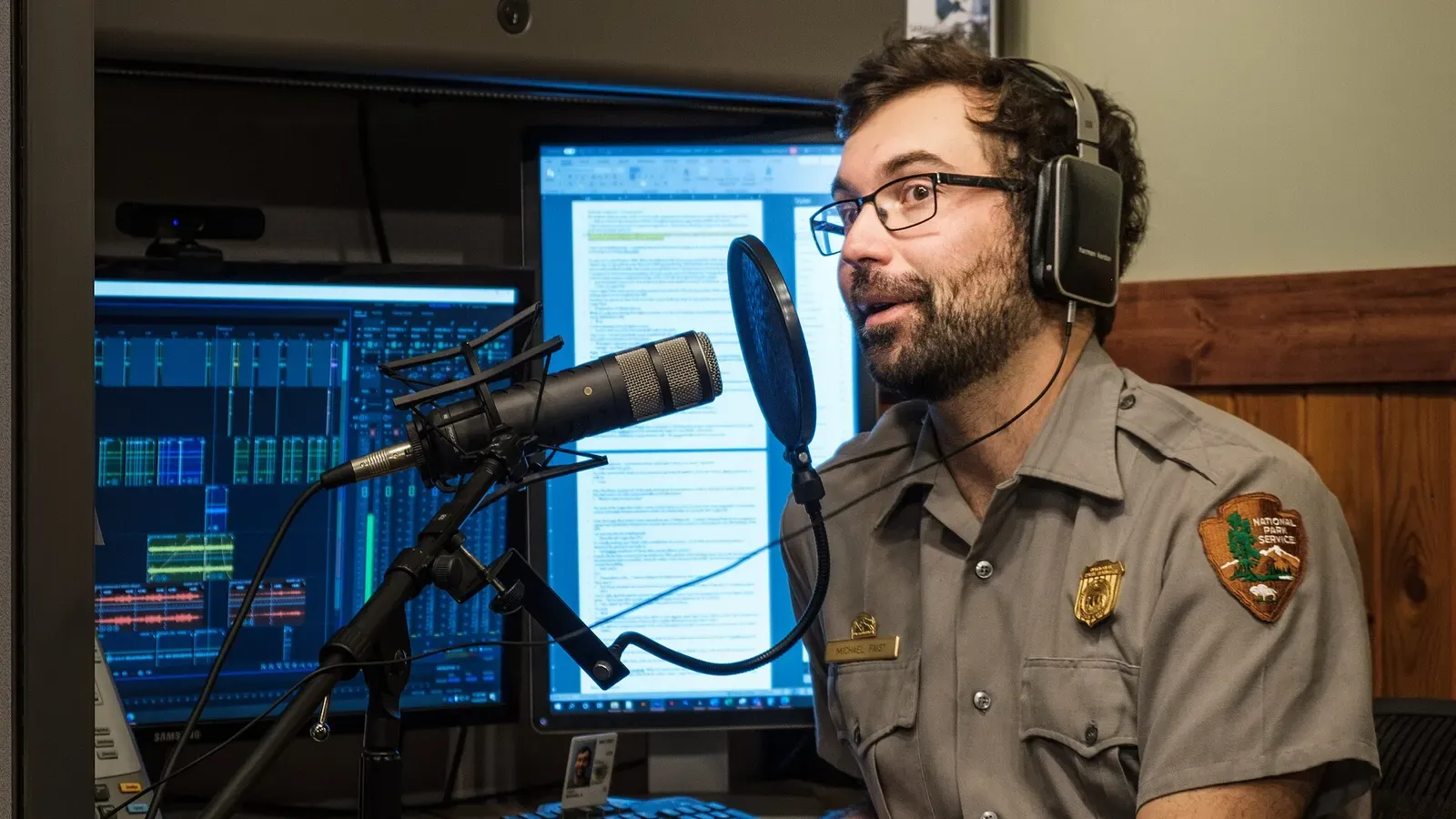
Not long ago, synthetic speech meant the flat, robotic monotone of old GPS units. Today an AI voice can narrate an audiobook, read your articles aloud, or dub a video into another language, often convincingly enough that listeners never notice. If you have wondered how that leap happened and how to use these tools yourself, this guide is the plain-English starting point.
What “text-to-speech” actually means
Text-to-speech (TTS) is any system that converts written text into spoken audio. The modern generation is called neural TTS, because it uses deep learning rather than stitching together pre-recorded sound snippets. That single shift is why AI voices went from grating to genuinely natural.
There are two related capabilities worth separating in your head:
- Text-to-speech: you type text and choose from a library of ready-made voices.
- Voice cloning: you provide samples of a specific voice, and the system learns to speak new text in that voice.
How neural voices are made
A neural TTS model is trained on many hours of recorded human speech paired with transcripts. From that data it learns the relationship between letters, sounds, rhythm and intonation. When you give it new text, it does roughly this:
- Analyses the text for pronunciation, punctuation and emphasis cues.
- Predicts the melody, timing and stress of natural speech, the “prosody.”
- Generates a raw audio waveform that matches that plan.
The reason modern voices sound human is that the model learned prosody, the musicality of speech, rather than just correct pronunciation. That is why a good AI voice can pause, emphasise and rise in pitch at a question.
What you can build with it
AI voice is one of the most practical corners of generative AI because the output is immediately usable:
- Voiceovers for YouTube, ads and explainer videos.
- Narration for e-learning courses and audiobooks.
- Accessibility: reading articles, PDFs and emails aloud.
- Podcast production and quick draft narration.
- Real-time or localised dubbing into other languages.
Choosing a tool
The market has clear specialists. Here is how the leading options compare at a glance.
| Tool | Best for | Notable strength |
|---|---|---|
| ElevenLabs | Expressive narration & cloning | Most natural emotion and pacing |
| Murf | Corporate & marketing voiceover | Studio-style editor and presets |
| Speechify | Reading assistance & accessibility | Fast, natural reading of any text |
ElevenLabs is the go-to for lifelike, emotional narration and high-quality voice cloning. Murf shines for polished business voiceovers with an editing timeline, and Speechify is built around reading text aloud for productivity and accessibility. If you are producing music or full audio tracks rather than speech, Suno covers that instead. You can see the wider set on our audio tools page.
Pricing, in plain terms
Most voice tools charge by characters or minutes of generated audio rather than a flat fee. Free tiers are generous enough to test quality, but serious use, especially cloning and commercial rights, sits behind paid plans. Always check whether your plan grants a commercial licence before publishing; the free tier often does not.
Voice cloning, explained simply
Cloning deserves its own note because it is both the most impressive and the most sensitive feature. There are broadly two flavours:
- Instant cloning: the tool learns a voice from a short sample, sometimes under a minute. Fast, but lower fidelity.
- Professional cloning: you record a longer, clean dataset in a studio-like setting. Slower to set up, but far more convincing and consistent.
For most creators, instant cloning of their own voice is enough to narrate content without sitting at a microphone every time. If you need a signature brand voice used at scale, the professional route is worth the effort.
Getting the settings right
A few controls make the difference between “obviously synthetic” and “genuinely natural”:
- Stability vs. expressiveness: lower stability adds emotion and variation but can wander; higher stability is safer but flatter. Tune per project.
- Speed and pacing: most flat reads are simply too fast. Slowing slightly adds gravitas.
- Pronunciation overrides: feed phonetic spellings or emphasis tags for names, acronyms and foreign words.
- Chunking: generate long scripts in sections so you can regenerate a single line without redoing everything.
Spend five minutes here on a test paragraph before committing to a full script, it pays for itself.
The ethics you can’t skip
Voice cloning is powerful and therefore easy to misuse. A few firm rules keep you safe and honest:
- Only clone a voice you own or have explicit written permission to use.
- Never impersonate a real person to deceive listeners.
- Disclose synthetic voices where a listener might reasonably assume a human, especially in journalism or customer service.
Reputable platforms enforce consent checks and watermarking, but the responsibility ultimately sits with you.
Getting a natural result
To avoid the tell-tale robotic delivery, add punctuation deliberately, break long sentences up, and use the tool’s emphasis or pause controls. Many platforms accept phonetic spellings for tricky names. A minute of tuning turns a flat read into something you would happily publish.
How to choose in practice
If you are still unsure which tool fits, work backward from your output. Producing marketing videos and explainers? Prioritise a polished editor and a broad voice library. Narrating long-form articles or books? Prioritise stamina, natural pacing and cost per hour of audio. Building accessibility into a product or reading your own reading list aloud? Prioritise speed and the ability to read any text on demand. Cloning your own voice for a channel? Prioritise fidelity and consent controls. Matching the tool to the job beats chasing whichever name is trending this month.
AI voice has quietly become one of the most reliable and immediately useful AI technologies available. Start with a free tier, test on a real script, and you will quickly find where it fits your workflow. Browse the full AI tools directory to compare voices, or read our companion guide on AI video generation to pair narration with visuals.
Frequently asked questions
What is the most realistic AI voice generator?
ElevenLabs is widely regarded as the most natural for expressive narration, while Murf and Speechify are strong for corporate voiceovers and reading assistance respectively. The best pick depends on whether you want emotion, polish or accessibility.
Is AI voice cloning legal?
Cloning your own voice or one you have permission to use is legal on most platforms. Cloning someone else's voice without consent can breach the tool's terms and local likeness or privacy laws, so always get permission.
Can text-to-speech replace human voice actors?
For narration, e-learning and prototypes it often can. For nuanced acting, brand campaigns and emotional performance, human actors still hold a clear edge.
Explore the AI tools mentioned here
Browse AI Tools — a curated directory with a full page for every tool.