Adobe Podcast
Studio-quality podcast audio with AI noise removal and enhancement.
Free Enhance tool; deeper features via Adobe plans.
Adobe Podcast is an audio toolset from Adobe focused on making spoken recordings sound clean and professional. Its best-known feature, Enhance Speech, uses AI to strip out background noise and room echo so voices sound like they were captured in a studio.
What you can do
Upload a voice recording and Adobe Podcast will remove noise, echo and reverb, boosting clarity and presence. This is especially useful for remote interviews, home recordings and calls that were captured in less-than-ideal rooms. The whole process runs in the browser, so there’s nothing to install.
Beyond enhancement, Adobe positions the product as a broader podcast creation and editing experience, with deeper tools available through its wider ecosystem of apps and plans.
Who it’s for
Podcasters, video creators and anyone recording spoken audio outside a studio. In the audio category it stands out for how quickly it improves rough recordings. The free Enhance tool is enough for most casual cleanup, while heavier editing is handled by Adobe’s paid applications.
Key features
- Enhance Speech removes noise, echo and reverb
- Browser-based, no installation required
- Improves clarity of interviews and remote recordings
- Simple upload-and-process workflow
- Free core tool with optional Adobe plan features
- Output ready for podcasts and video voiceovers
Pros & cons
👍 Pros
- Fast, dramatic cleanup of voice audio
- Free core tool is easy to try
👎 Cons
- Best suited to speech, not music
- Advanced editing needs other Adobe apps
Adobe Podcast — FAQ
Is Adobe Podcast free?
The core Enhance Speech tool is free to use with limits. Deeper editing and higher limits are available through Adobe's paid plans and apps.
What does Enhance Speech do?
It removes background noise, echo and room reverb from voice recordings, making spoken audio sound clear and close to studio quality.
Do I need to install anything?
No. Adobe Podcast runs in the browser, so you can upload recordings and process them online without desktop software.
Is it good for podcasts and video?
Yes. It's designed for podcasters, but the cleaned-up audio also works well for video voiceovers, interviews and remote recordings.
Keep exploring
Similar AI tools

Podcastle
Record, edit and polish podcasts with AI in your browser.

AIVA
Compose original, royalty-free soundtracks with AI in minutes.

AssemblyAI
Developer speech-to-text API for accurate transcription and audio intelligence.
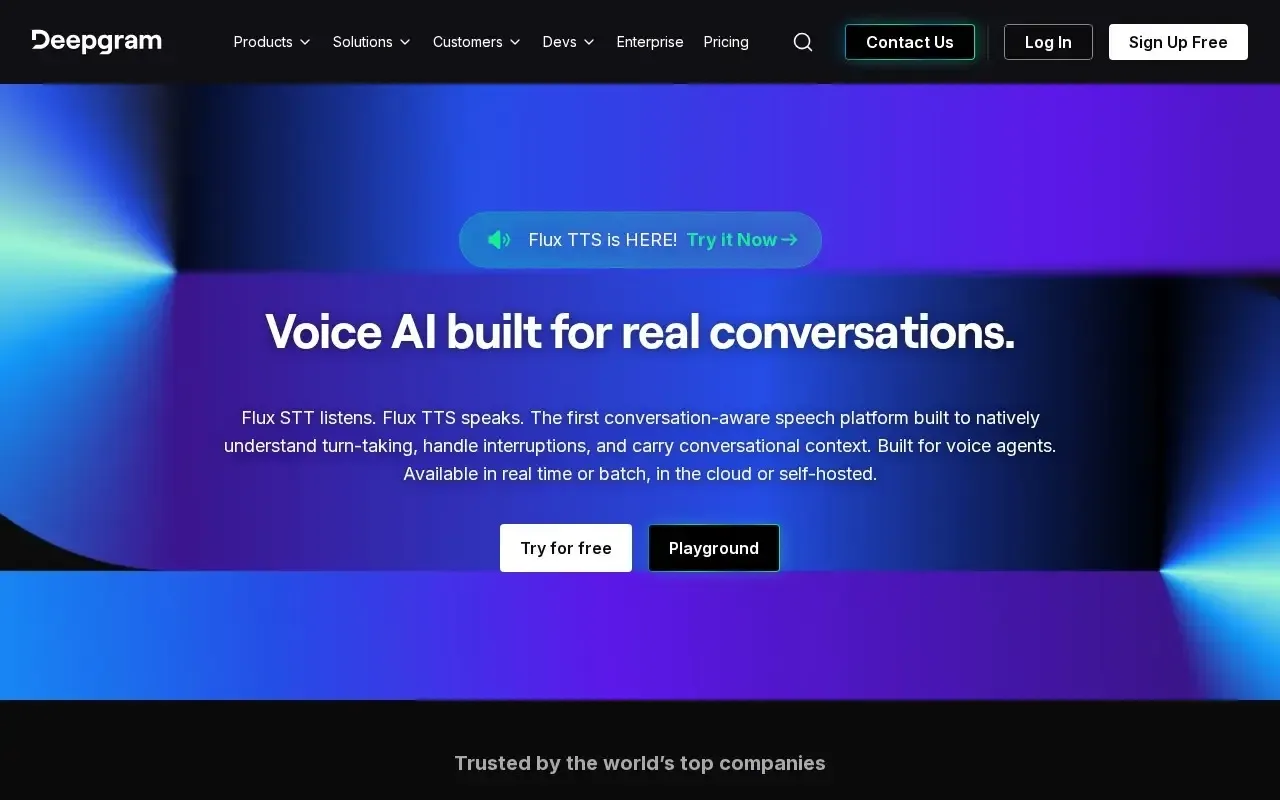
Deepgram
Fast, accurate speech-to-text built for developers.
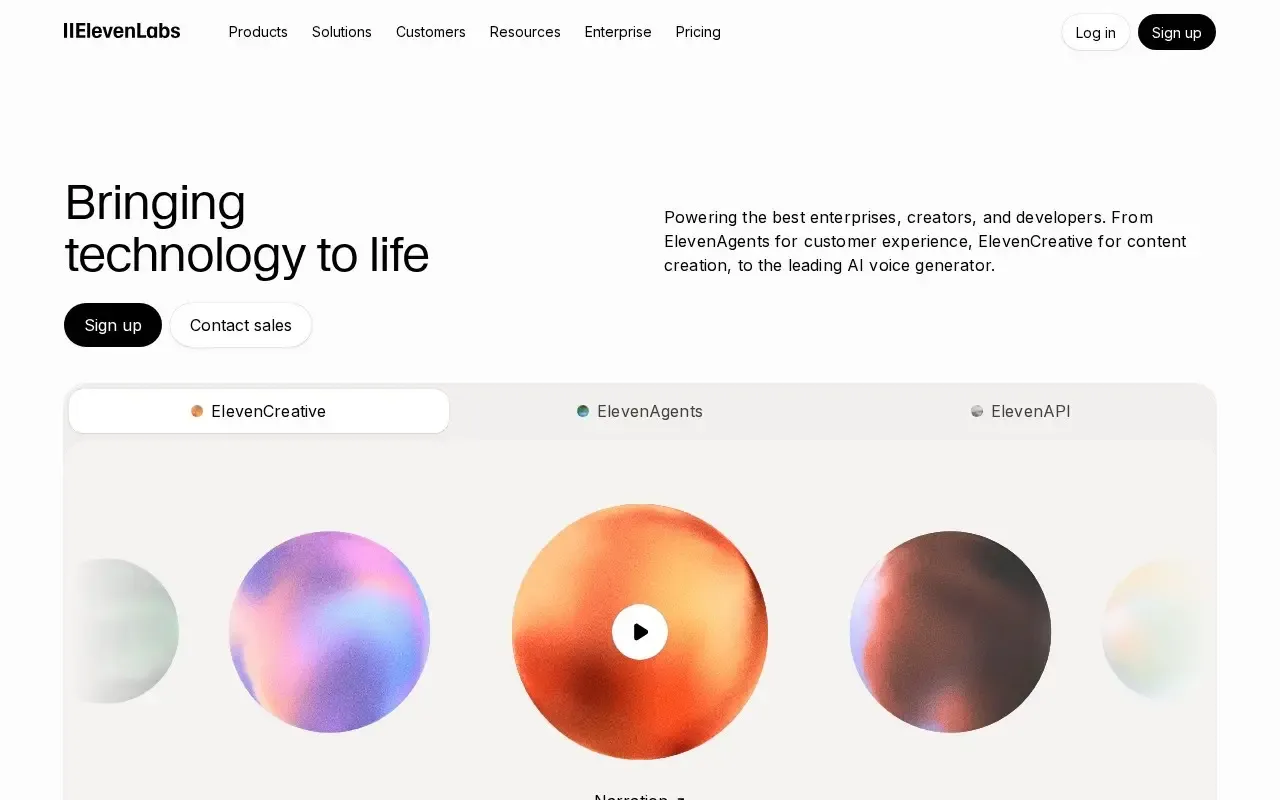
ElevenLabs
Ultra-realistic AI text-to-speech, voice cloning and dubbing.
Happy Scribe
Transcribe and subtitle audio and video in many languages.