Motion
AI calendar that auto-schedules your tasks, meetings and projects.
Paid plans from around $19/mo; free trial.

Motion is an AI-driven planner in the productivity category that turns a messy to-do list and a full calendar into a single, automatically built schedule. Instead of dragging tasks into time slots yourself, you tell Motion what needs doing, how long it takes and when it is due, and the app decides when you should work on each item.
What it does
Motion combines a calendar, task manager and project tool in one place. Its core feature is the AI scheduler: it reads your meetings from Google Calendar or Outlook, then fits your tasks into the remaining gaps according to priority and deadline. When a meeting moves or a new urgent task appears, Motion rebuilds the day automatically so your plan always reflects reality. It also offers booking links for meetings and shared project views so teams can see who has capacity.
Who it’s for
Motion is aimed at busy professionals, founders, managers and small teams who feel they spend too long planning and re-planning their days. Paid plans start around $19/mo with a free trial, and there is no permanent free tier. People who like to arrange their own calendar by hand may find the automation unnecessary, but those who want the tool to answer “what should I do next?” tend to get the most value from it.
Key features
- AI auto-scheduler that plans tasks around meetings and deadlines
- Unified calendar syncing Google Calendar and Outlook
- Task and project management with priorities and durations
- Automatic rescheduling when plans or priorities change
- Meeting booking pages and scheduling links
- Team project views for shared workloads and capacity
Pros & cons
👍 Pros
- Removes manual daily planning by scheduling tasks for you
- Combines calendar, tasks and projects in one app
👎 Cons
- No free tier and pricing is higher than basic planners
- Automatic scheduling has a learning curve to trust
Motion — FAQ
Is Motion free?
Motion does not have a permanent free plan, but it offers a free trial. After that, paid plans start around $19/mo billed annually, with team pricing available.
How does Motion's AI scheduling work?
You add tasks with durations, deadlines and priorities, and Motion automatically places them on your calendar around your meetings, rebuilding the plan when things change.
Does Motion connect to my existing calendar?
Yes. Motion syncs with Google Calendar and Outlook so meetings and events are pulled in, and it schedules your tasks in the free gaps around them.
Who is Motion best for?
It suits busy professionals, managers and small teams who juggle many tasks and meetings and want the app to decide what to work on next automatically.
Keep exploring
Similar AI tools

Clockwise
AI scheduling that creates focus time for teams.
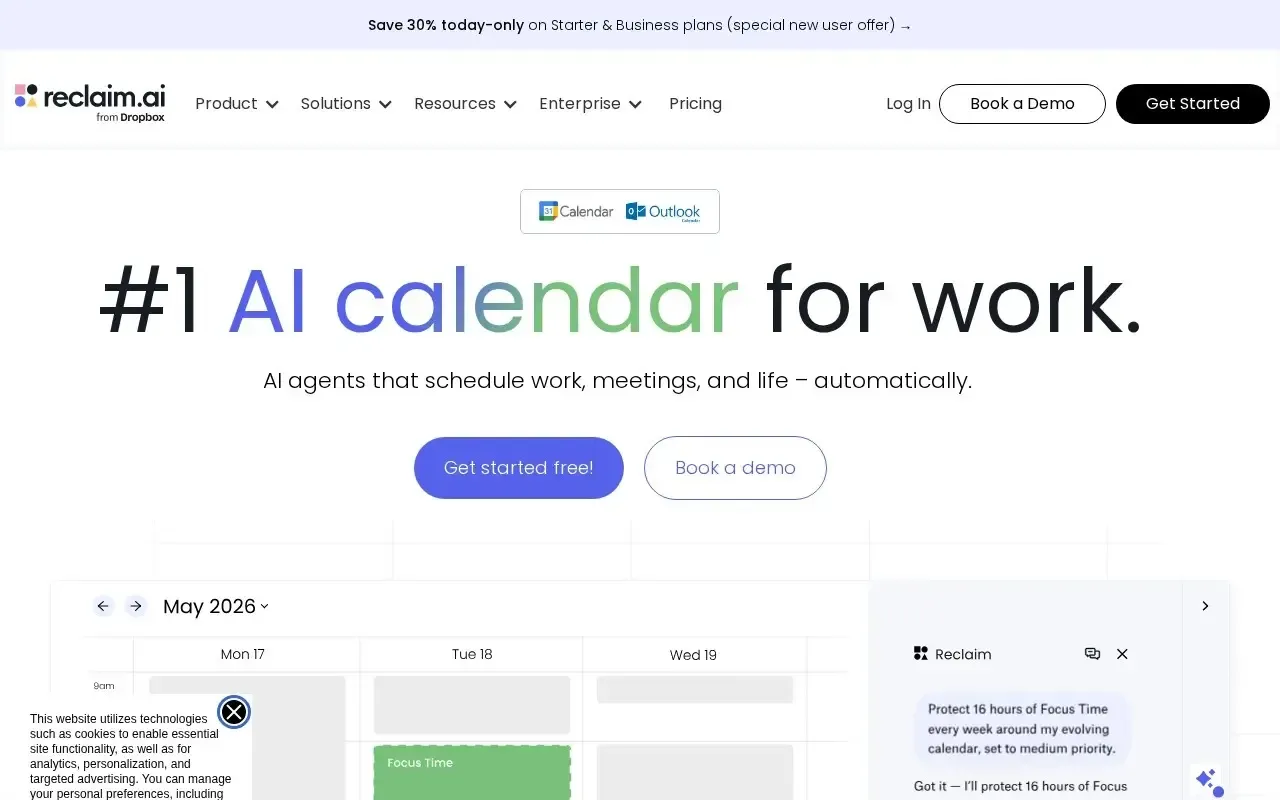
Reclaim AI
Let AI protect focus time on your calendar.
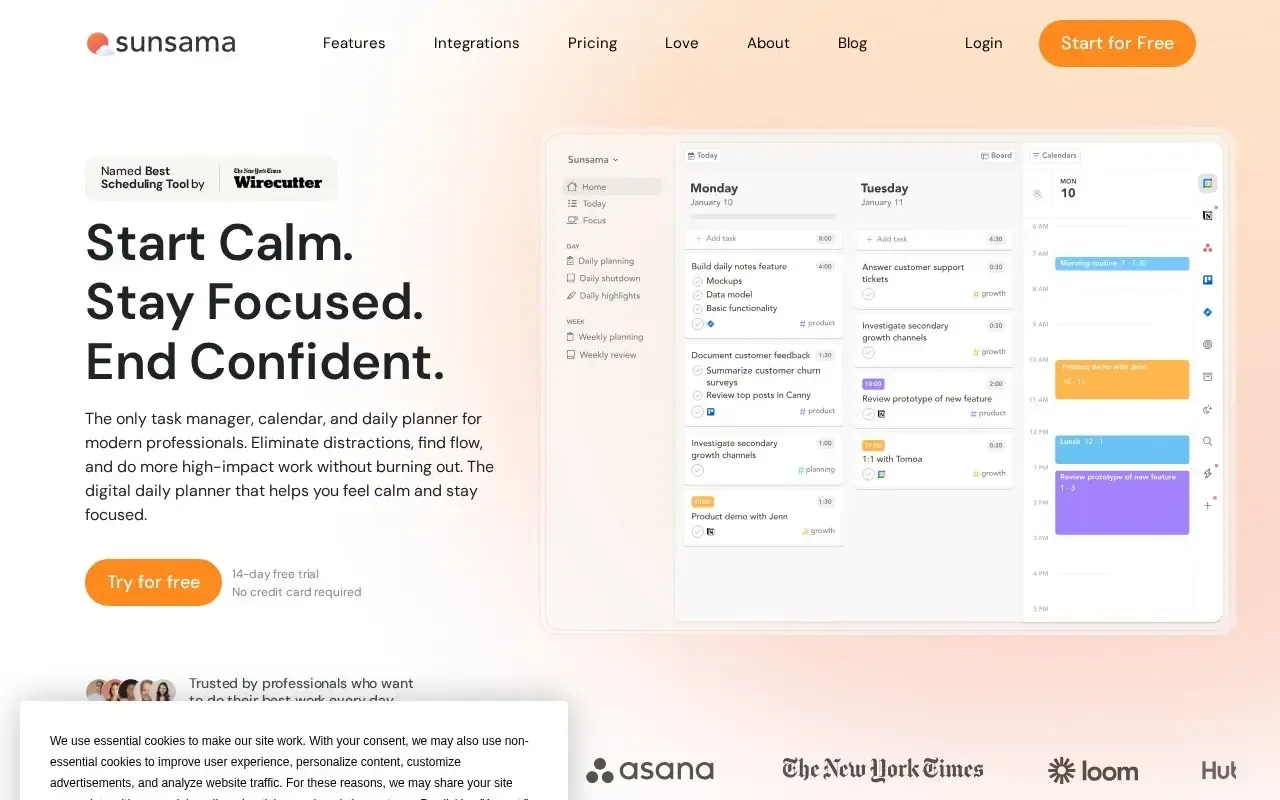
Sunsama
Plan calmer, more focused days one task at a time.

Taskade
All-in-one workspace for tasks, notes and custom AI agents that get work done.

Coda AI
AI-powered docs that combine writing, data and workflows.
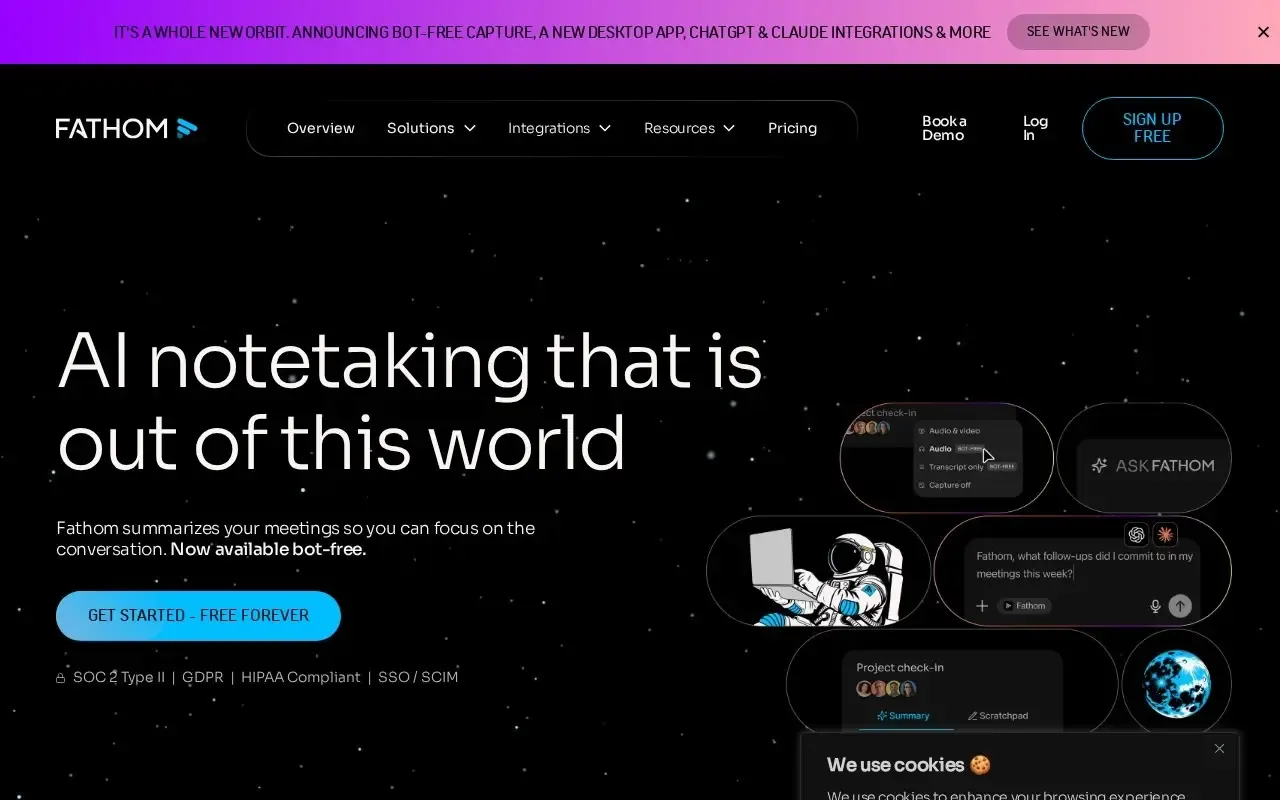
Fathom
Record, transcribe and summarize your meetings automatically.