Uizard
Turn text prompts and sketches into editable UI mockups and prototypes.
Free plan; Pro around $12/mo billed annually.

What Uizard does
Uizard is an AI-powered UI design tool that helps you move from idea to interface quickly. In the design category, it focuses on the early stages of product design: its Autodesigner feature generates multi-screen mockups from a text prompt, and it can transform hand-drawn sketches or screenshots into editable digital designs. Everything lands in a drag-and-drop editor where you refine screens and components without specialized design software.
The tool is built for founders, product managers, and small teams who need to visualize and test ideas without a dedicated designer on hand.
Getting the most from it
Uizard is most useful for rapid drafts and concept validation. Start from a prompt, a sketch, or a screenshot, then adjust layout, components, and theme to bring consistency to the design. You can link screens into clickable prototypes to walk stakeholders through a flow or run quick usability checks before committing engineering time. The output is a strong starting point rather than final production design, so plan to polish it. A free plan covers experimentation, while the Pro plan raises project and AI generation limits for heavier use.
Key features
- Autodesigner generates multi-screen UI from a text prompt
- Convert hand-drawn sketches into digital wireframes
- Turn screenshots into editable, remixable designs
- Drag-and-drop editor for screens and components
- Link screens into clickable, testable prototypes
- Theme and style generation for consistent branding
Pros & cons
👍 Pros
- Very fast way to reach a first UI draft
- Approachable for non-designers and product teams
👎 Cons
- Output needs polishing for production-grade design
- Free plan limits projects and AI generations
Uizard — FAQ
What does Uizard do?
Uizard is an AI design tool that turns text prompts, sketches, and screenshots into editable UI wireframes, mockups, and prototypes.
Can Uizard design an app from a prompt?
Yes. Its Autodesigner feature generates multi-screen app or web UI from a text description that you can then edit.
Do I need design experience to use Uizard?
No. Uizard is aimed at non-designers and teams, using AI and drag-and-drop tools to make UI design approachable.
Can I turn a screenshot into a design?
Yes. Uizard can convert a screenshot into an editable design so you can remix an existing interface.
Keep exploring
Similar AI tools
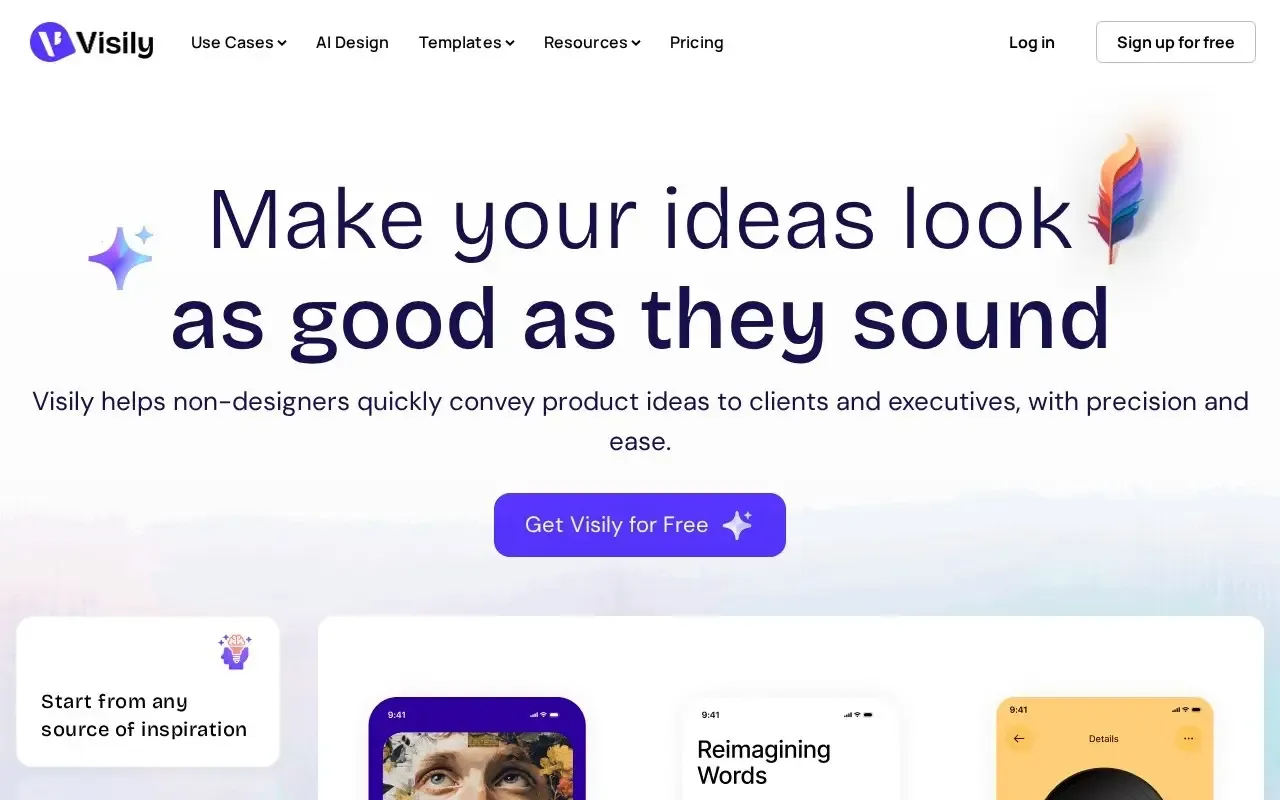
Visily
Turn ideas into wireframes and prototypes with AI.
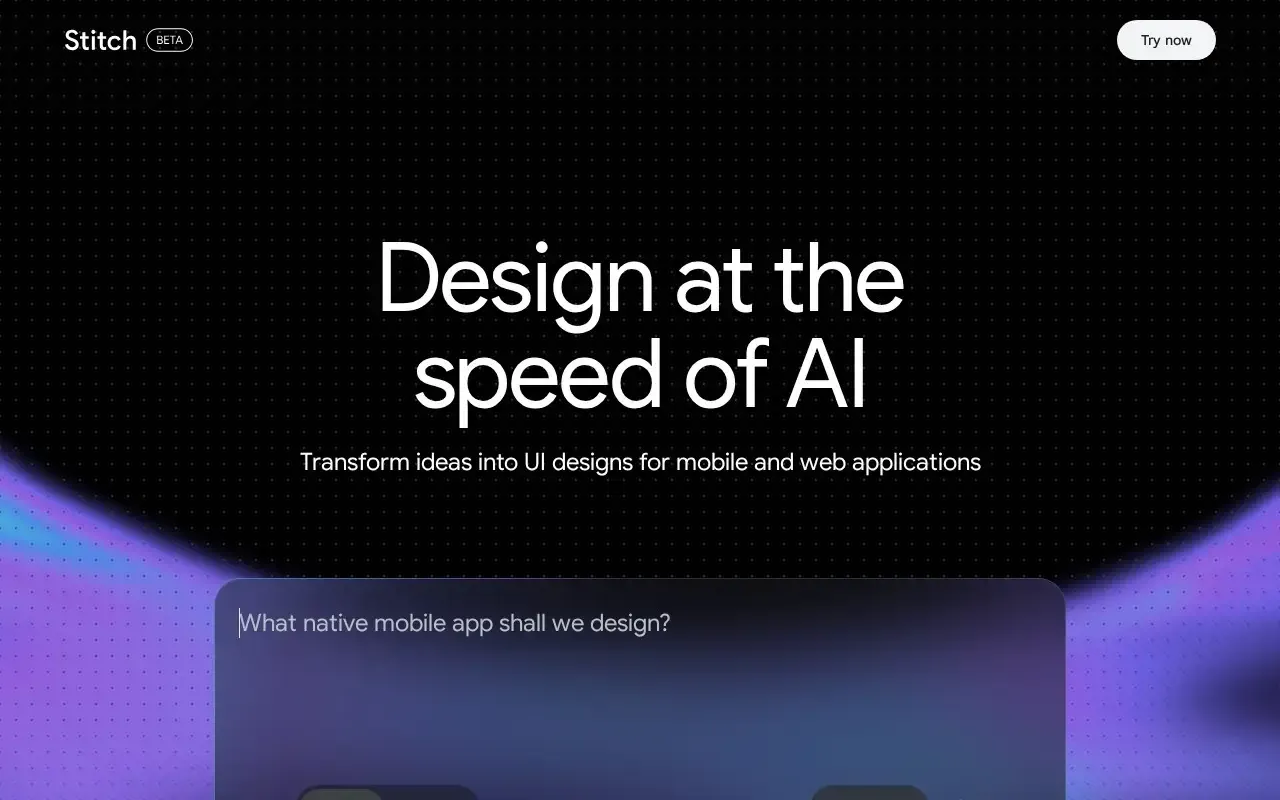
Galileo AI
Turn text prompts into editable UI designs fast.
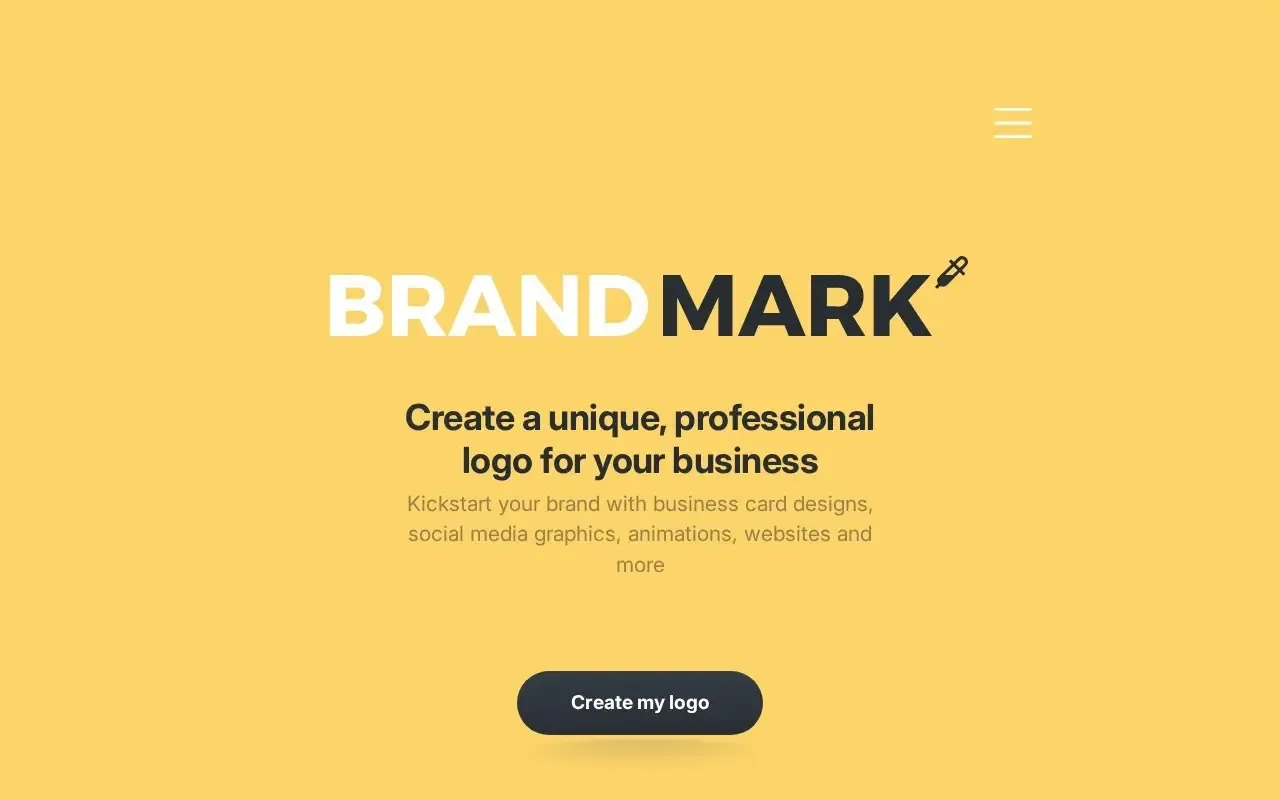
Brandmark
Generate a logo and full brand identity with AI.
Canva
Design graphics with drag-and-drop templates and Magic Studio AI tools.

Designs.ai
An all-in-one AI suite for logos, video and branding.

Flair AI
Create branded product photos with AI in minutes.