Cursor
AI-native code editor that autocompletes, edits and refactors your codebase.
Free tier; Pro around $20/mo; Business plans available.

What Cursor does
Cursor is an AI-native code editor in the coding category of AI tools, built on the VS Code foundation so it feels immediately familiar. Its standout feature is predictive autocomplete that suggests multi-line edits as you type, anticipating the change you are about to make rather than just finishing a token. Alongside that, a chat panel lets you ask questions about your project in natural language and get answers grounded in your actual files.
The editor indexes your codebase to stay context-aware, and its agent mode can plan and apply changes across many files from a single prompt. Inline edit rewrites selected code on request, making refactors and boilerplate faster.
Who it is for
Cursor targets professional developers and teams who want AI assistance woven directly into their daily editor instead of a separate window. The free tier is enough to try the core experience, while Pro at around $20/mo and Business plans unlock heavier usage and team controls. Because it builds on VS Code, existing extensions and keybindings carry over, keeping the switch low-friction. As with any AI coding tool, generated changes still need review, but Cursor’s tight codebase awareness makes it one of the most capable options available.
Key features
- AI autocomplete that predicts multi-line edits as you type
- Chat with your codebase using natural language questions
- Agent mode that plans and applies changes across many files
- Inline edit to rewrite selected code from a prompt
- Codebase-aware context indexing for relevant answers
- Built on a familiar VS Code-style interface with extensions
Pros & cons
👍 Pros
- Deep, codebase-aware AI feels native rather than bolted on
- Familiar VS Code experience lowers the learning curve
👎 Cons
- Heaviest AI features need a paid plan
- Suggestions still require careful review before committing
Cursor — FAQ
Is Cursor free?
Cursor has a free tier with limited AI usage. Pro is around $20/mo, with Business plans for teams.
Is Cursor based on VS Code?
Yes. Cursor is built on the VS Code foundation, so many familiar extensions, themes and keybindings work.
What is Cursor's agent mode?
Agent mode lets the AI plan and carry out multi-file changes, running edits across your project from a single instruction.
Does Cursor understand my whole codebase?
Cursor indexes your project to provide codebase-aware context, so chat and edits reference relevant files, not just the open one.
Keep exploring
Similar AI tools

Windsurf
Agentic AI code editor that plans and executes multi-step coding tasks.

Blackbox AI
Write and ship code faster with AI help.
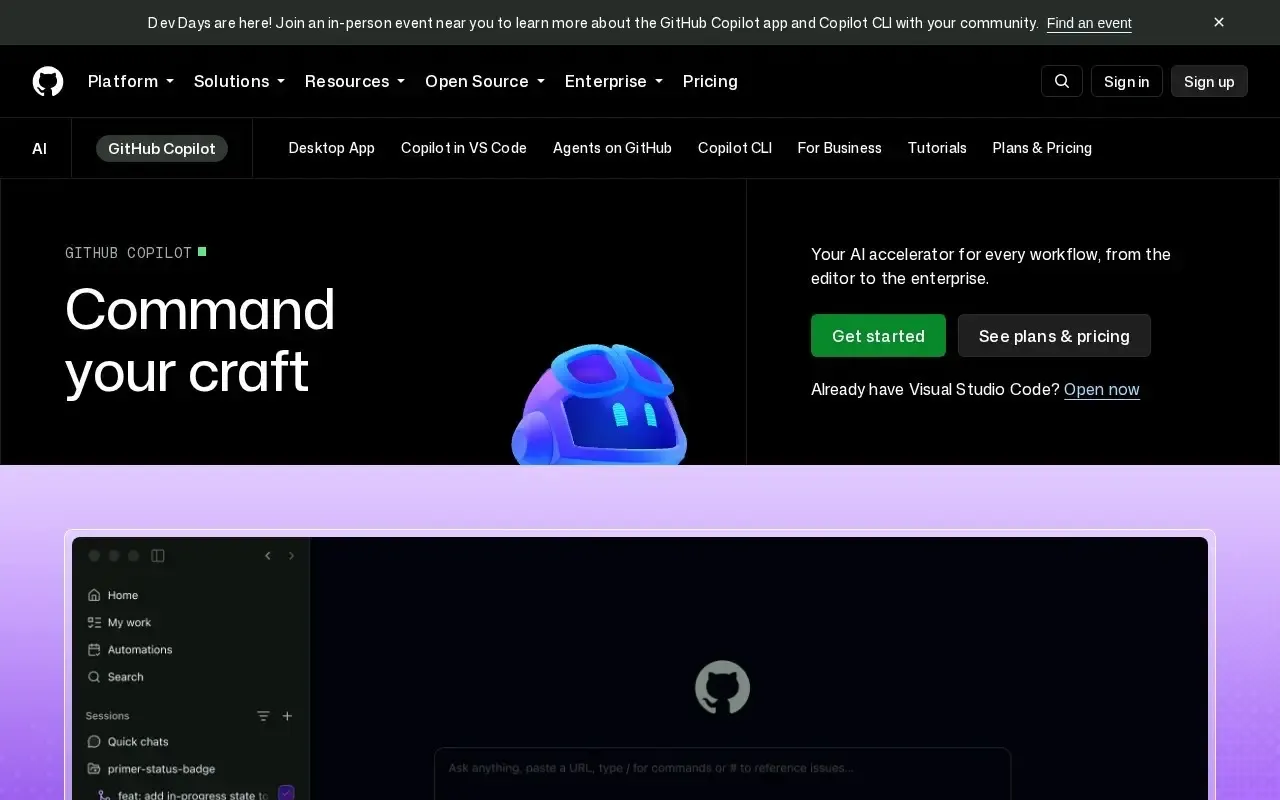
GitHub Copilot
AI pair programmer that autocompletes code and chats inside your editor.

Amazon Q Developer
AWS-aware AI assistant for coding and cloud development.

Codeium
AI code completion and chat inside your favorite editor.

Continue
Open-source AI autocomplete and chat for your IDE.