GitHub Copilot
AI pair programmer that autocompletes code and chats inside your editor.
Limited free tier; Pro around $10/mo; Business and Enterprise plans.
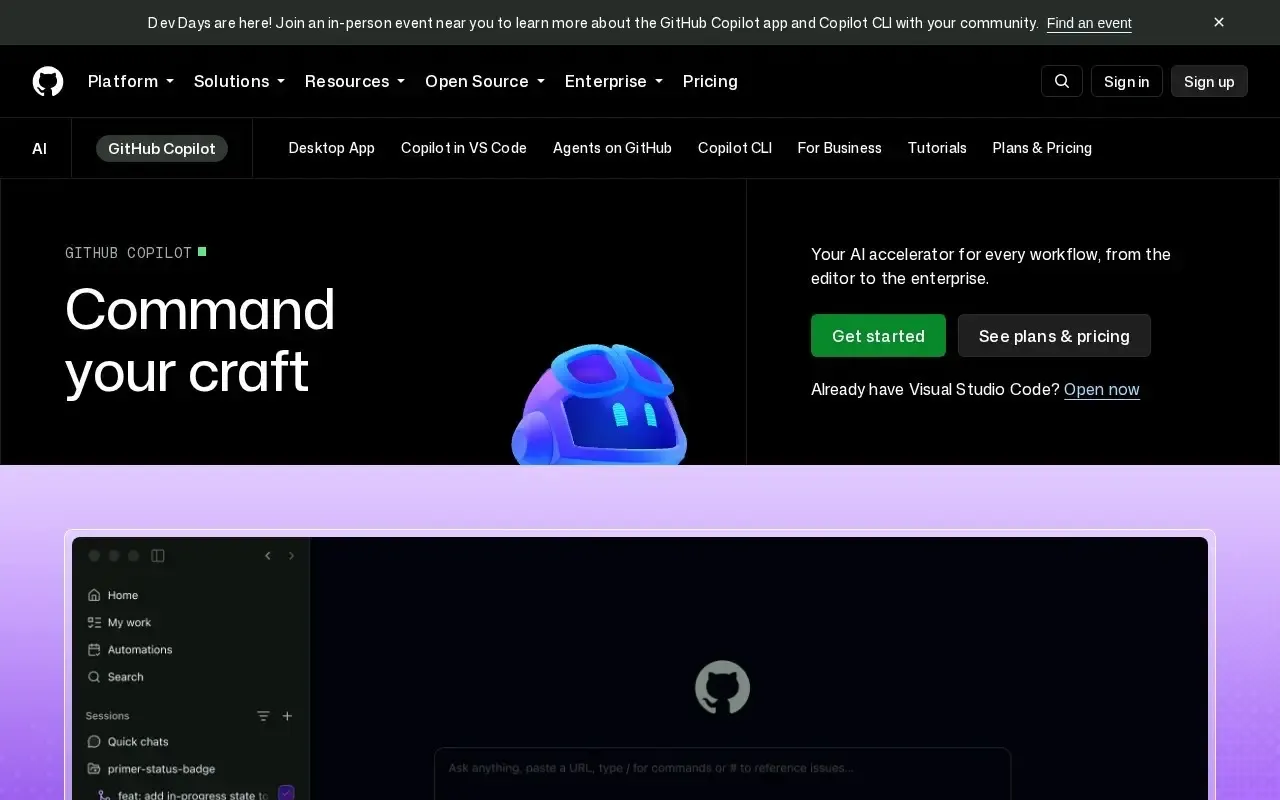
GitHub Copilot is an AI pair programmer that lives inside your code editor. As you type, it suggests the next line — or an entire function — and its chat can explain code, write tests, fix bugs and refactor across files.
How it helps
Copilot shines at the repetitive parts of programming: boilerplate, tests, data transformations and common patterns. Copilot Chat turns your editor into a place to ask “why is this failing?” or “refactor this to be faster,” with answers grounded in your open files.
It supports VS Code, Visual Studio, JetBrains IDEs, Neovim and more, across virtually every popular language. Newer agent features can make multi-file edits and help with pull requests.
Who it’s for
Professional developers and learners alike. It’s free for students and many open-source maintainers, and the paid tiers are popular in teams that want higher limits and stronger privacy controls. As always, review and test generated code before shipping.
Key features
- Inline code completions as you type
- Copilot Chat for questions, explanations and refactors
- Multi-file edits and agent workflows
- Works across major editors and languages
- Pull-request summaries and CLI help
Pros & cons
👍 Pros
- Big speed-up for everyday coding
- Deep integration with popular editors
- Free for students and many OSS maintainers
👎 Cons
- Suggestions still need human review
- Best features are on paid tiers
GitHub Copilot — FAQ
Is GitHub Copilot free?
There's a free tier with monthly limits, plus it's free for verified students, teachers and many open-source maintainers. Paid Pro, Business and Enterprise plans remove limits and add features.
Which editors does Copilot support?
Visual Studio Code, Visual Studio, JetBrains IDEs, Neovim and others, plus Copilot in the GitHub website and CLI.
Does Copilot write good code?
It's excellent at boilerplate, tests and common patterns, and its chat can explain or refactor code. You should still review, run and test all suggestions.
Is my code used to train the model?
Business and Enterprise plans exclude your code from training and add policy controls. Check GitHub's current privacy settings for the details of each plan.
Keep exploring
Similar AI tools
Blackbox AI
Write and ship code faster with AI help.

Cursor
AI-native code editor that autocompletes, edits and refactors your codebase.

Amazon Q Developer
AWS-aware AI assistant for coding and cloud development.

Codeium
AI code completion and chat inside your favorite editor.

Continue
Open-source AI autocomplete and chat for your IDE.

Devin by Cognition
An autonomous AI software engineer for real tasks.