Humata AI
Ask your documents questions and get instant answers.
Free plan available; paid tiers are listed on the website.

Humata AI lets you chat with your documents, turning long PDFs and reports into something you can question directly. It is designed to make research and document analysis far quicker.
What it does
You upload files such as PDFs, then ask questions in natural language. Humata finds the relevant information, gives you answers and summaries, and provides citations that link back to the exact passages it used. It can work across multiple documents at once, which helps when your research is spread over several sources.
Who it’s for
Humata AI suits researchers, students and professionals who spend time with long or technical documents and want to locate and understand information fast. The citations make its answers easy to check, though quality still depends on the source files and heavier use moves you onto paid plans. A free plan is available, with paid tiers listed on the website.
Key features
- Chat with PDFs and other documents
- Instant answers grounded in your files
- Summaries of long or technical documents
- Citations linking answers to source passages
- Works across multiple documents
Pros & cons
👍 Pros
- Speeds up research across long documents
- Citations make answers easy to verify
👎 Cons
- Answer quality depends on the source files
- Heavier use requires a paid plan
Humata AI — FAQ
What is Humata AI?
Humata AI is a tool that lets you chat with your documents to get answers, summaries and citations from the content.
What does Humata AI do?
You upload files such as PDFs and ask questions, and Humata finds the relevant information, answers you and cites the passages it drew from.
Is Humata AI free?
Humata AI offers a free plan, with paid tiers listed on the website for more documents and questions.
Who is Humata AI for?
Researchers, students and professionals who work with long documents and want to find and understand information quickly.
Keep exploring
Similar AI tools

ChatPDF
Chat with any PDF to get answers and summaries fast.

Connected Papers
Build a visual map of any research field fast.

Consensus
AI search engine that answers questions with real peer-reviewed research

Elicit
AI research assistant that automates literature review and data extraction
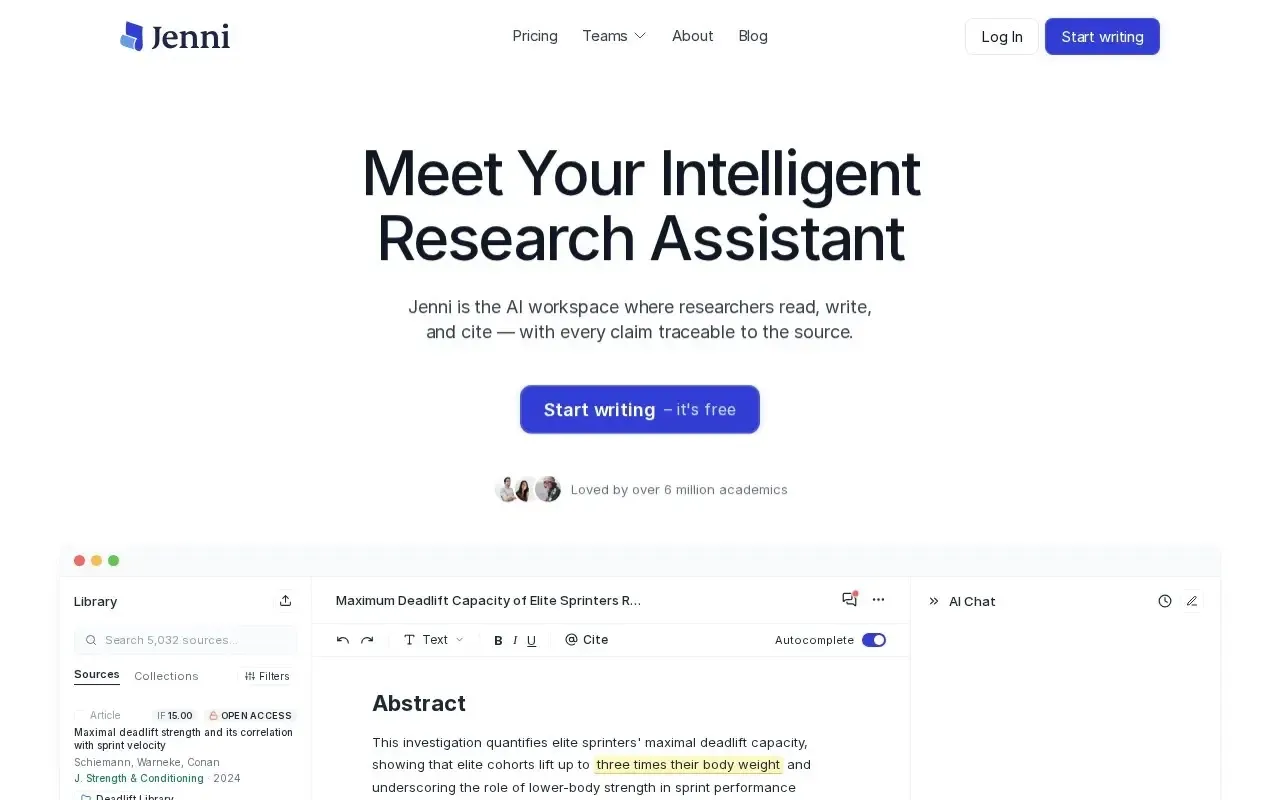
Jenni AI
AI writing assistant for essays and academic papers.
NotebookLM
Google's AI research assistant grounded in your own sources and documents.