NotebookLM
Google's AI research assistant grounded in your own sources and documents.
Free; Plus available via Google AI subscriptions.
NotebookLM is Google’s AI-powered research and note-taking tool in the research category. Instead of answering from the open internet, it grounds every response in the sources you upload, making it a focused assistant for understanding your own documents, papers and notes.
What it does
You create a notebook, add sources such as PDFs, Google Docs, web pages or YouTube links, and then chat with the material. NotebookLM answers questions, writes summaries, and generates study guides, FAQs and timelines, always citing the passages it drew from so you can verify claims. Its standout feature is Audio Overviews, which turn a set of sources into a natural podcast-style conversation between two AI hosts, letting you absorb complex material by listening. Everything stays anchored to your uploaded content, which keeps answers relevant and reduces made-up information.
Who it’s for
NotebookLM suits students, researchers, writers and professionals who need to make sense of large amounts of reading. The free version handles most personal research, while NotebookLM Plus, offered through Google AI subscriptions, raises source and notebook limits and adds sharing controls for teams. Because it works only from the sources you give it, it is best as a companion for material you already have rather than a general web search tool.
Key features
- Grounds answers in your own uploaded sources with citations
- Supports PDFs, Docs, Slides, web pages, text and YouTube links
- Audio Overviews that turn sources into a podcast-style discussion
- Automatic summaries, FAQs, timelines and study guides
- Chat interface to ask questions across all your sources
- Notebooks to organise research by topic or project
Pros & cons
👍 Pros
- Answers are grounded in your sources and cited
- Audio Overviews make dense material easy to absorb
👎 Cons
- Limited to the sources you provide, not the open web
- Source and notebook limits apply on the free tier
NotebookLM — FAQ
Is NotebookLM free?
Yes, NotebookLM is free to use with a Google account. A NotebookLM Plus tier, available through Google AI subscriptions, raises limits and adds sharing and team features.
What sources can NotebookLM use?
You can add PDFs, Google Docs and Slides, web pages, pasted text, and YouTube links. NotebookLM grounds its answers in these sources and cites where each claim comes from.
What are Audio Overviews?
Audio Overviews turn your sources into a podcast-style conversation between two AI hosts who summarise and discuss the material, so you can listen instead of reading.
Does NotebookLM make things up?
It is designed to answer from your uploaded sources and cite them, which reduces hallucination. You should still check citations for anything important, as no AI is perfect.
Keep exploring
Similar AI tools

ChatPDF
Chat with any PDF to get answers and summaries fast.

Connected Papers
Build a visual map of any research field fast.

Consensus
AI search engine that answers questions with real peer-reviewed research

Elicit
AI research assistant that automates literature review and data extraction

Humata AI
Ask your documents questions and get instant answers.
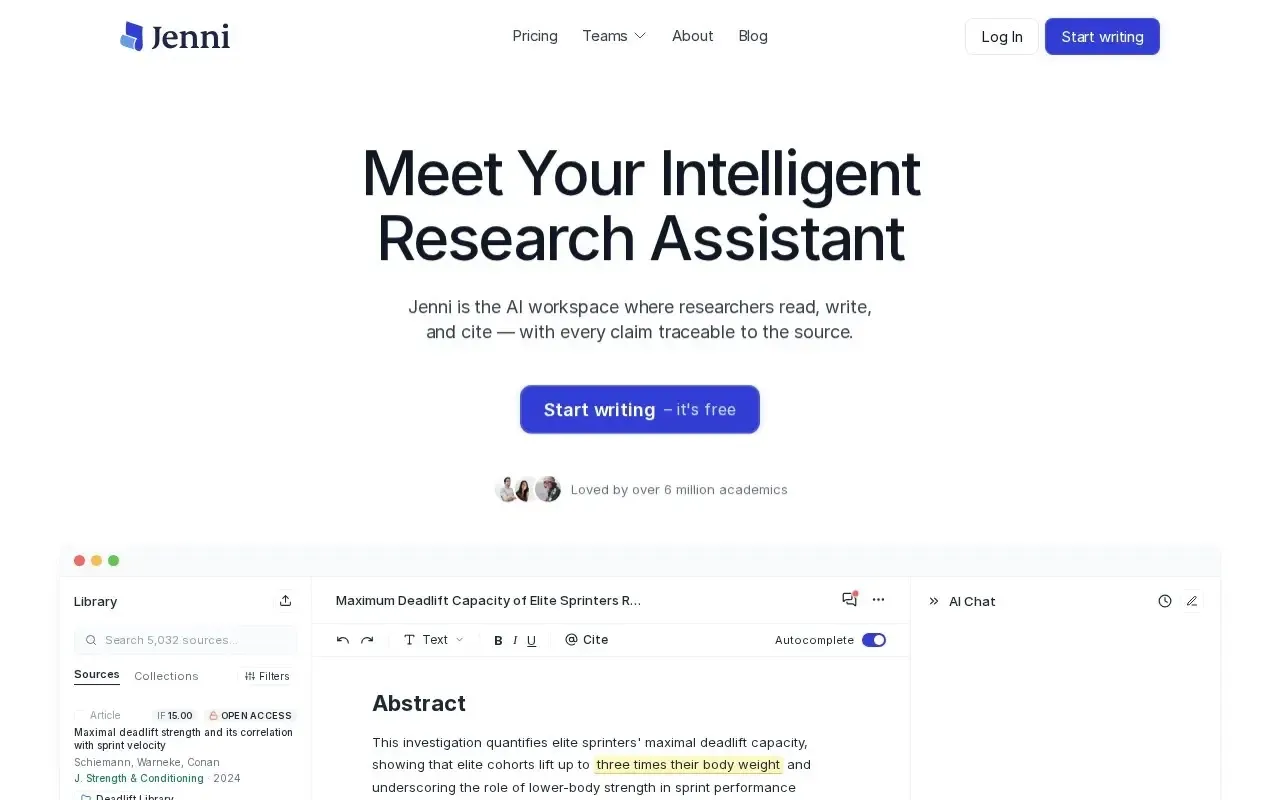
Jenni AI
AI writing assistant for essays and academic papers.