InVideo AI
Turn text prompts into full edited videos with voiceover and stock media.
Free plan with watermark; paid from around $20/mo.
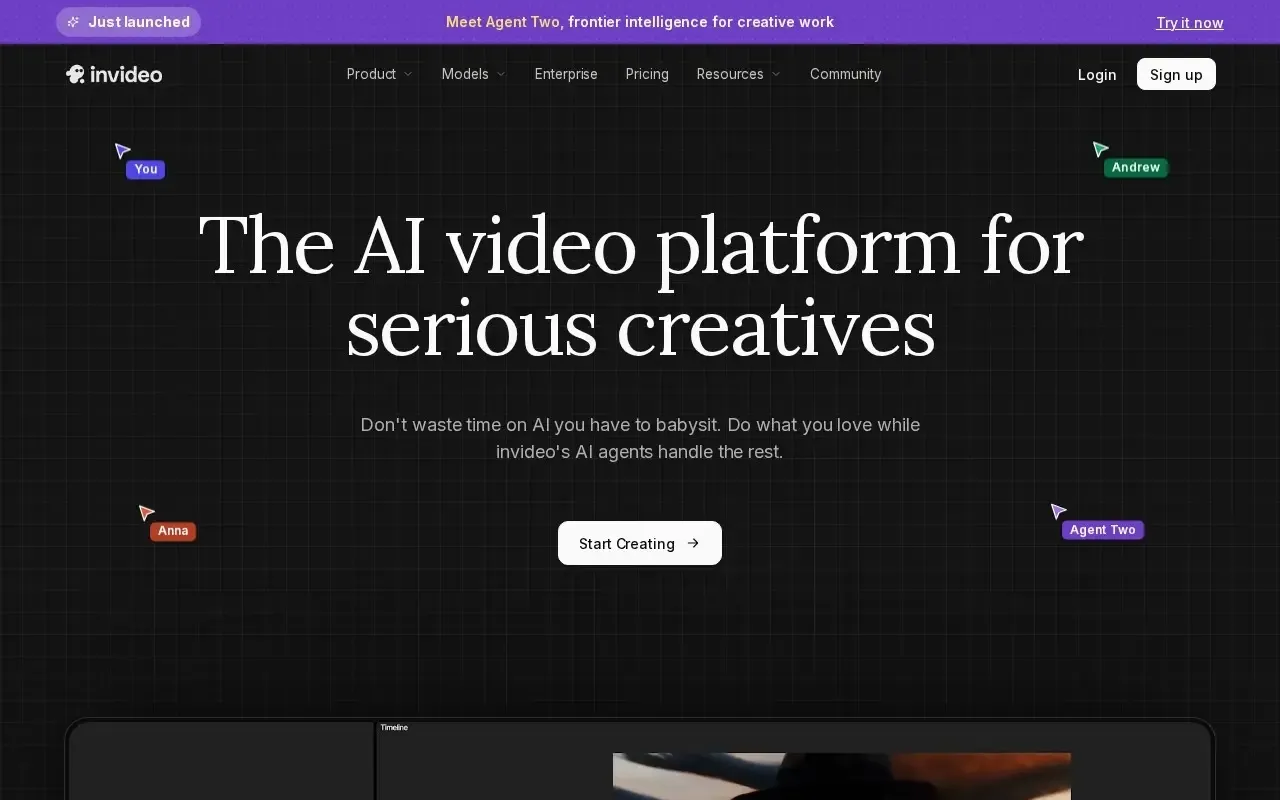
What InVideo AI does
InVideo AI is a tool in the video category that generates a complete, edited video from a single text prompt. You describe the video you want, and it writes a script, selects stock footage and images, adds AI voiceover, music and captions, and assembles everything into a first cut. What sets it apart is command-based editing: instead of dragging clips on a timeline, you can type instructions such as changing a scene, swapping footage or adjusting pacing, and the tool applies them. That makes it approachable for people who want finished videos without traditional editing skills.
Who it is for
InVideo AI is aimed at content creators, marketers, educators and small businesses that need to produce videos regularly for social media, YouTube or promotions. The prompt-to-video workflow is fast for turning ideas, scripts or blog posts into watchable clips, and the automatic stock media and voiceover save sourcing time. A free plan lets you try it, though outputs carry a watermark and exports are limited, and paid plans from around $20 per month remove the watermark and unlock more usage. Generated edits usually benefit from a manual pass to tighten pacing and messaging.
Key features
- Text-to-video that generates a full edit from a prompt
- Automatic stock footage, music and image selection
- AI voiceover in multiple languages and voices
- Command-based editing to change clips, text and pacing by typing
- Auto-generated scripts, scenes and captions
- Templates and formats for social platforms and aspect ratios
Pros & cons
👍 Pros
- Produces a complete first-cut video from a single prompt
- Editing by text command lowers the learning curve
👎 Cons
- Free plan adds a watermark and limits exports
- Generated edits often need manual refinement
InVideo AI — FAQ
What does InVideo AI do?
It generates complete videos from a text prompt, adding stock media, voiceover and captions, and lets you refine them with typed commands.
Is InVideo AI free?
There is a free plan that includes a watermark and limited exports, with paid plans starting around $20 per month for more features.
Can I edit the video after it is generated?
Yes, you can adjust clips, text, voiceover and pacing either manually or by typing commands describing the changes you want.
Does it include voiceover and stock media?
Yes, it can add AI voiceover in several languages and automatically pulls stock footage, images and music into the edit.
Keep exploring
Similar AI tools
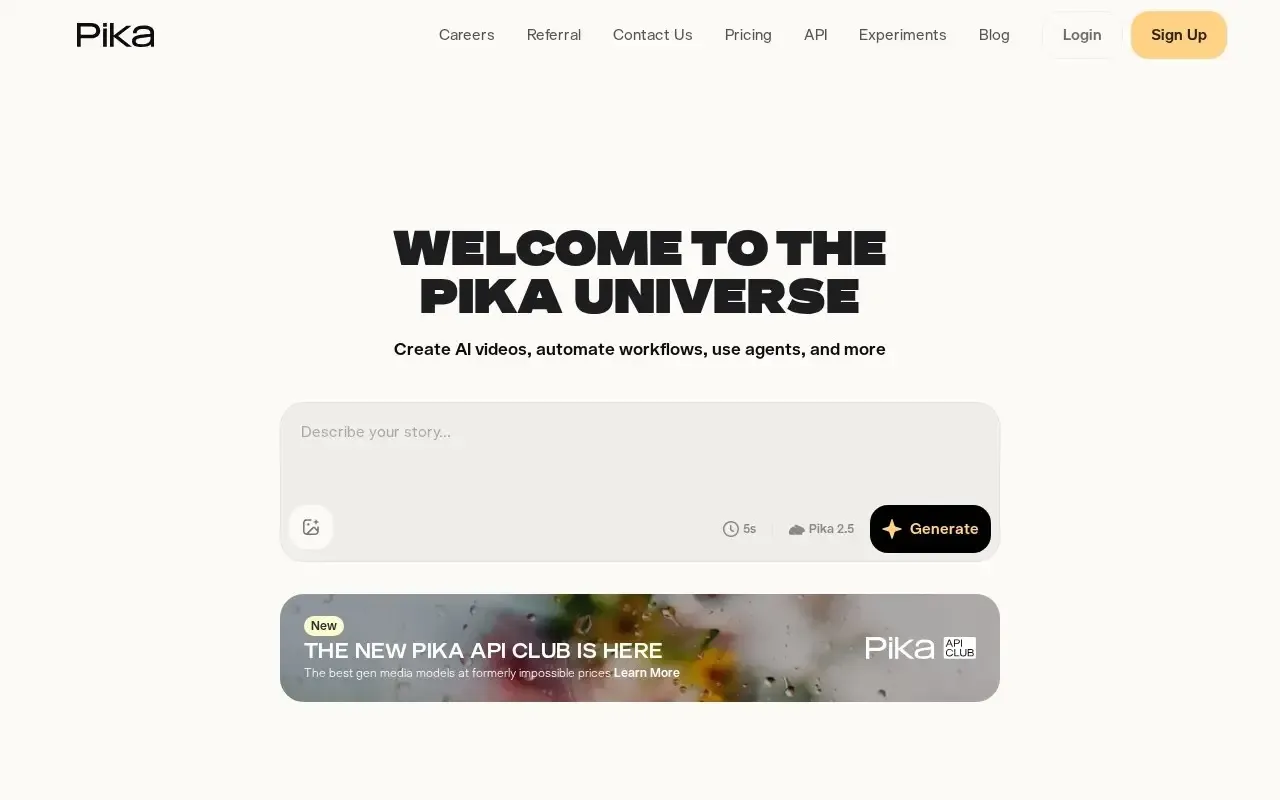
Pika
Playful AI video generator for quick, shareable clips and effects.
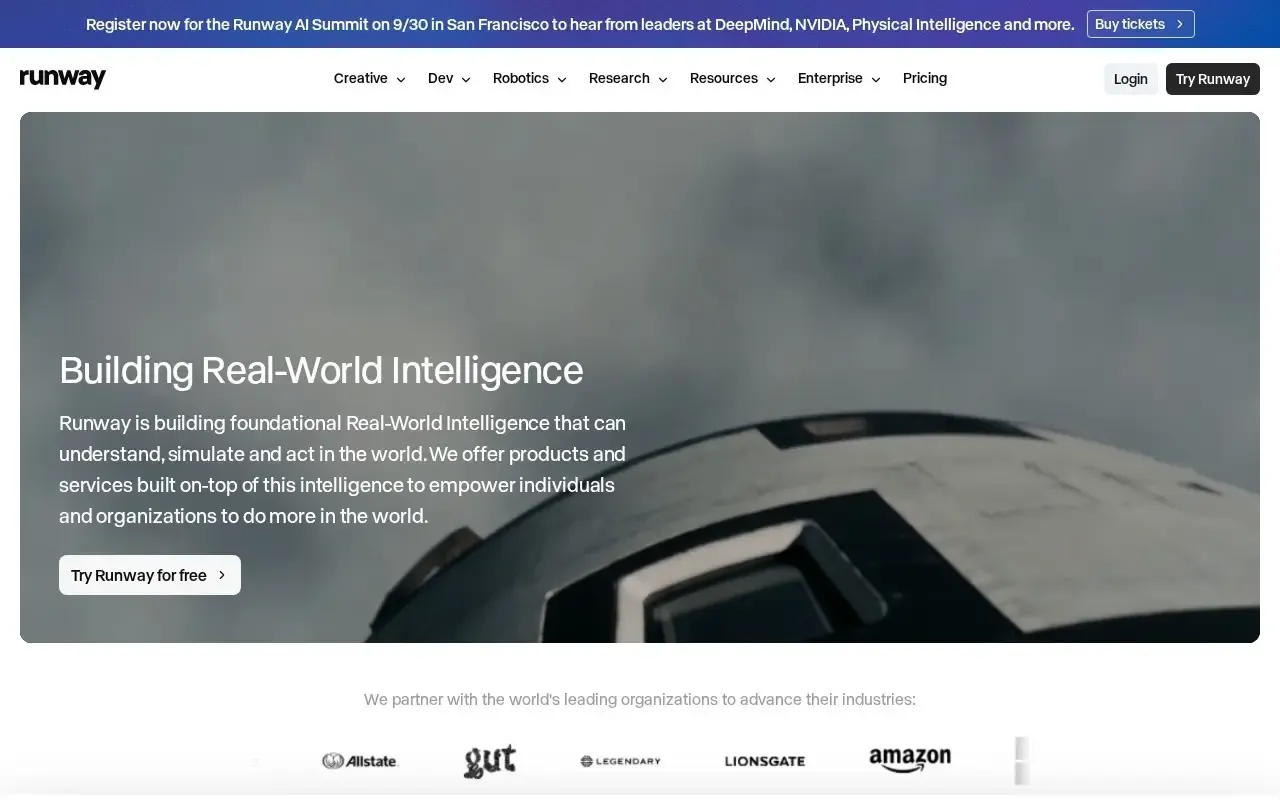
Runway
Generative AI video and editing tools for filmmakers and creators.

Captions
AI creator app for captioned talking-head videos, dubbing and editing.

Kling AI
High-quality AI video generation from text or a single image.

Luma Dream Machine
Generate short, high-motion video clips from text prompts or still images.

OpusClip
Turn long videos into ready-to-post short clips for social automatically.