OpusClip
Turn long videos into ready-to-post short clips for social automatically.
Free plan; paid from around $9/mo.

What OpusClip does
OpusClip is a tool in the video category built around repurposing. You feed it a long video, such as a podcast, webinar or interview, and its AI scans for the most engaging moments and cuts them into short, vertical clips designed for TikTok, Reels and Shorts. Each clip comes with auto-generated captions, automatic reframing that keeps the speaker in frame, and a virality score that helps you decide which segments are worth posting first. The result is a batch of social-ready clips in minutes rather than the hours manual editing would take.
Who it is for
OpusClip is aimed at podcasters, YouTubers, marketers and social teams who produce long-form content and want to maximize its reach without editing every clip by hand. The automated highlight detection and captioning make it easy to keep a consistent posting schedule across short-form platforms, and built-in scheduling helps push clips out directly. A free plan with limited processing minutes lets you test the workflow, and paid plans from around $9 per month add more minutes and features. As with most AI editing, a quick review of the picks and captions is worth doing before publishing.
Key features
- Automatic detection of highlight moments in long videos
- AI clipping into short, vertical, ready-to-post segments
- Auto captions with styling and emoji options
- Automatic reframing to keep speakers centered in vertical format
- Virality score to prioritize the most promising clips
- Direct scheduling and export for social platforms
Pros & cons
👍 Pros
- Saves hours by finding and cutting highlights automatically
- Captions and reframing produce social-ready clips fast
👎 Cons
- Highlight picks and captions still need a quick review
- Free plan limits processing minutes each month
OpusClip — FAQ
What does OpusClip do?
It turns long videos into short vertical clips, adding captions, reframing and a virality score so you can post highlights to social.
Is OpusClip free?
Yes, there is a free plan with limited processing minutes, and paid plans start around $9 per month for more usage and features.
How does it pick clips?
Its AI analyzes the video to find highlight moments, then cuts them into short segments and rates each with a virality score.
Does it add captions automatically?
Yes, OpusClip generates styled captions and reframes the video vertically, keeping the speaker centered for short-form platforms.
Keep exploring
Similar AI tools

Klap
Repurpose YouTube videos into viral short clips.
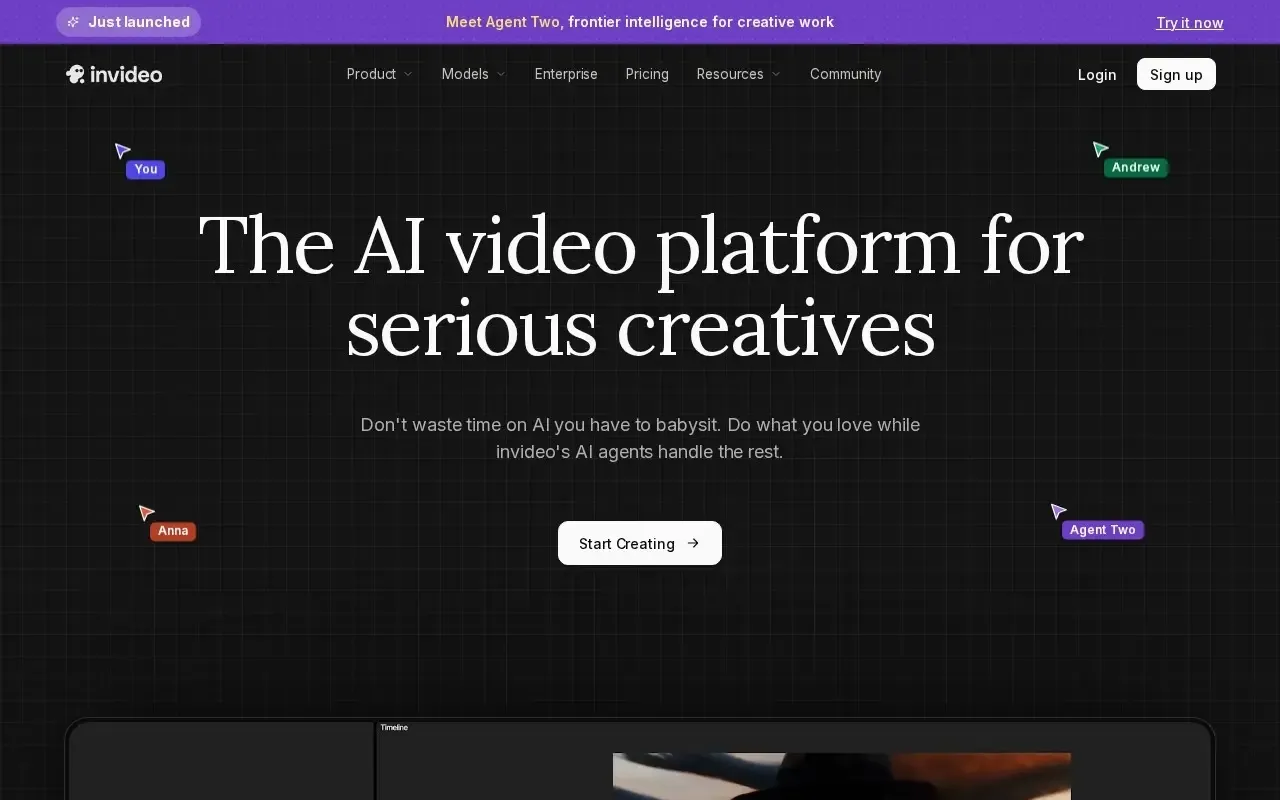
InVideo AI
Turn text prompts into full edited videos with voiceover and stock media.
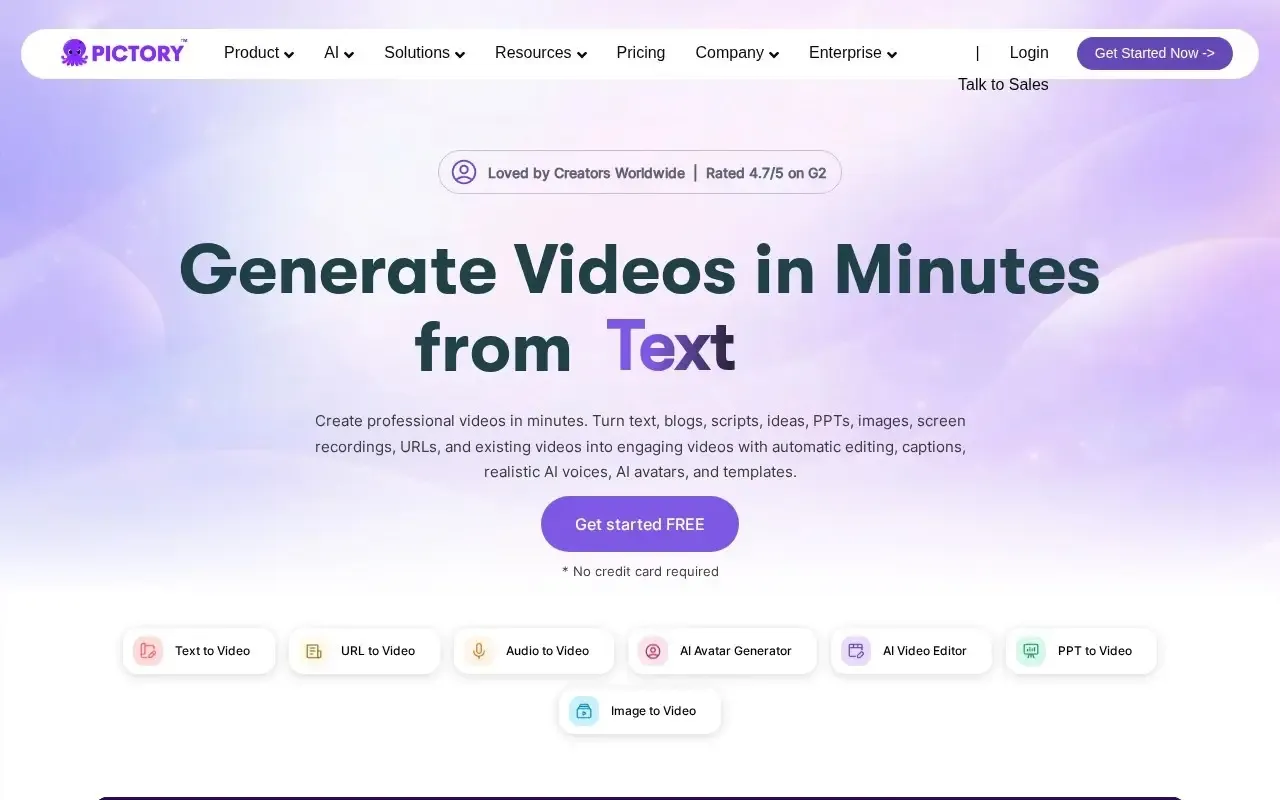
Pictory
Turn scripts and articles into shareable videos fast.
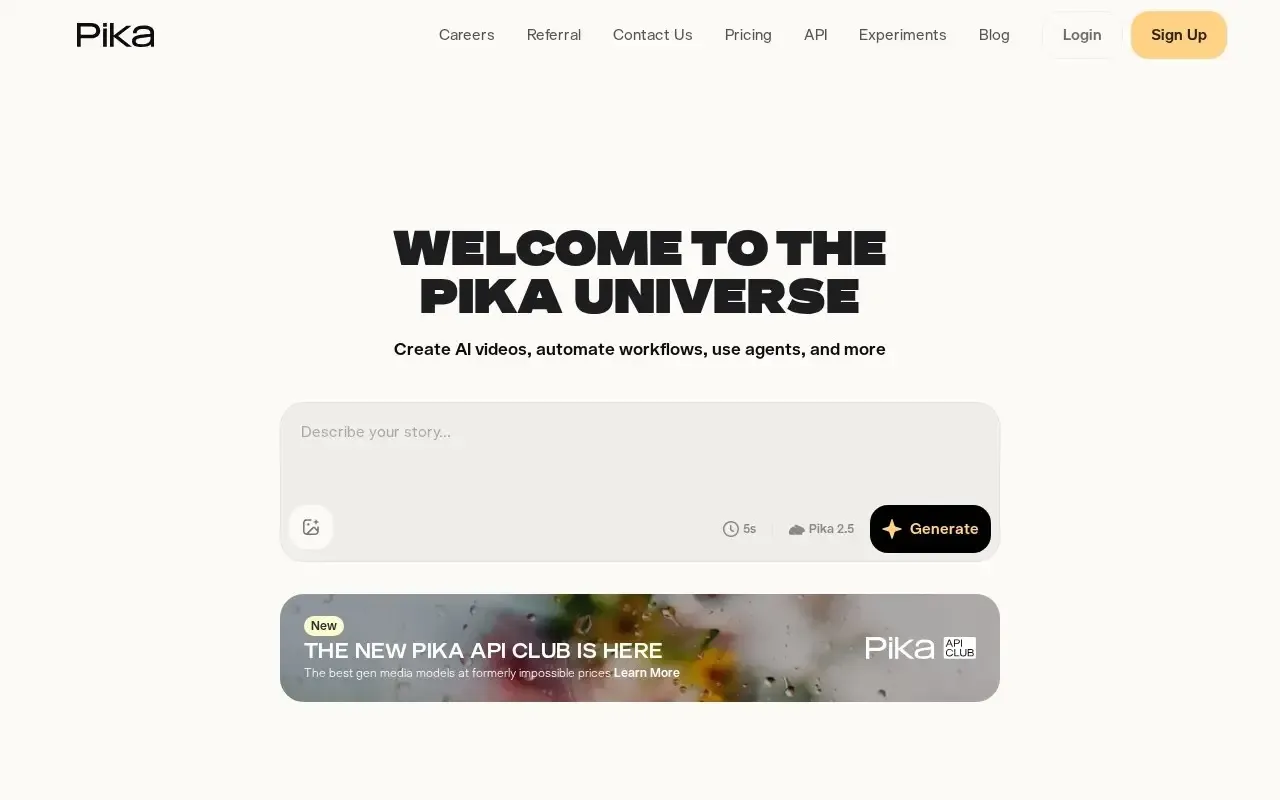
Pika
Playful AI video generator for quick, shareable clips and effects.

Submagic
Add dynamic captions and b-roll to your shorts.

Vizard
Turn long videos into ready-to-post short clips.