Pika
Playful AI video generator for quick, shareable clips and effects.
Free credits; paid plans for more and faster generations.
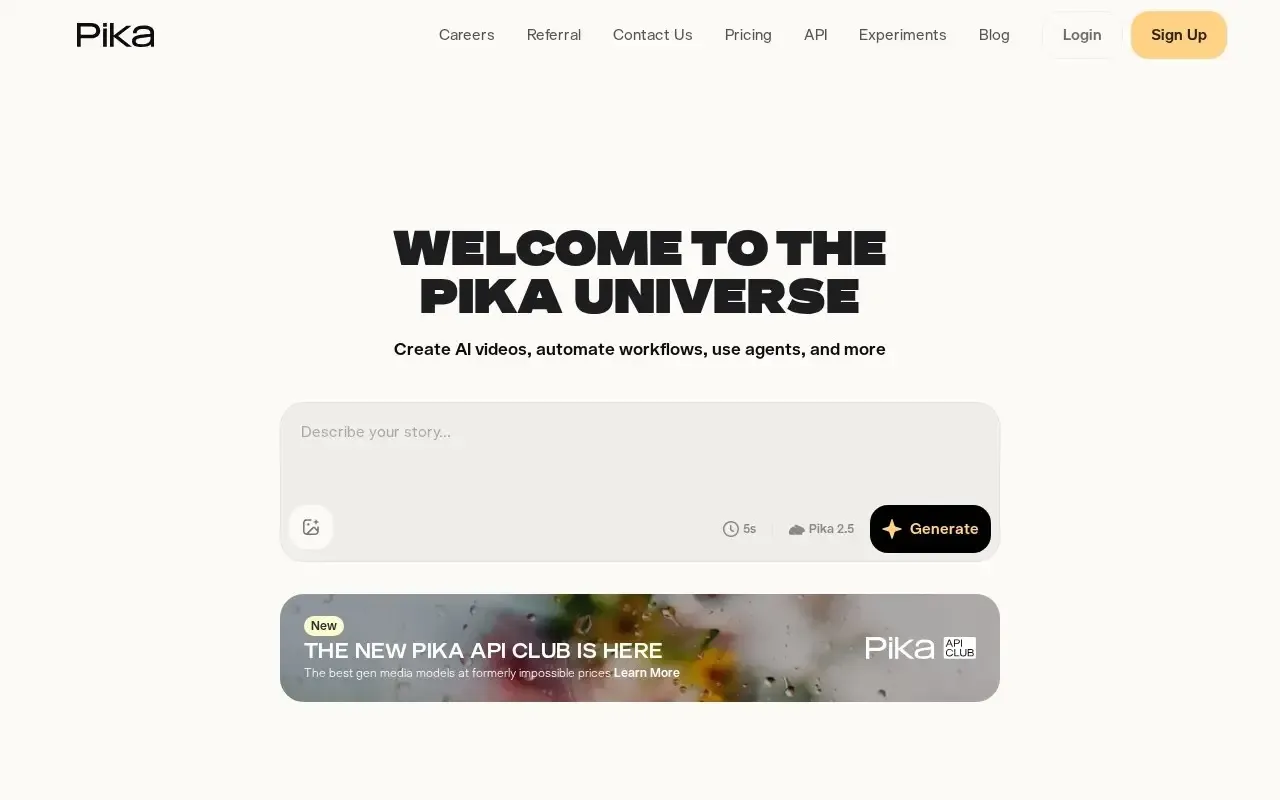
What Pika does
Pika is an AI video generator focused on speed, fun and shareability. In the video category it leans toward creative, social-first output rather than heavy production work. You describe a scene or upload an image, and Pika produces a short animated clip in seconds. Its standout feature is Pikaffects, a set of playful one-tap transformations that make subjects inflate, melt, explode or morph, which has helped many clips go viral on social platforms.
Who it is for
Pika is aimed at social creators, hobbyists and marketers who want eye-catching clips without a steep learning curve. The interface is approachable, so newcomers can generate something usable on their first try, while scene ingredients let you mix characters, objects and backgrounds for more control. Output is tuned for vertical and square formats that fit short-form feeds. Free credits let you experiment, and paid plans add more and faster generations for creators who post regularly and need quicker turnaround.
Key features
- Text-to-video and image-to-video generation from simple prompts
- Signature Pikaffects for adding surprising transformations to clips
- Scene ingredients to combine characters, objects and backgrounds
- Aspect-ratio options tuned for social and vertical formats
- Fast generations with an approachable, beginner-friendly interface
- Web and app access for creating on the go
Pros & cons
👍 Pros
- Very easy to start with, even for non-editors
- Fun effects make it great for social content
👎 Cons
- Clips are short and can lack fine-grained control
- Free credits are limited for heavy use
Pika — FAQ
What is Pika used for?
Pika generates short AI video clips from text prompts or images, with playful effects aimed at social and creative content.
What are Pikaffects?
Pikaffects are one-tap effects that transform your subject in fun ways, such as inflating, melting or crushing it.
Does Pika have a free plan?
Yes, you get free credits to try it, with paid plans for more generations and faster, priority processing.
What formats does Pika support?
It supports common aspect ratios, including vertical formats well suited to short-form social video.
Keep exploring
Similar AI tools
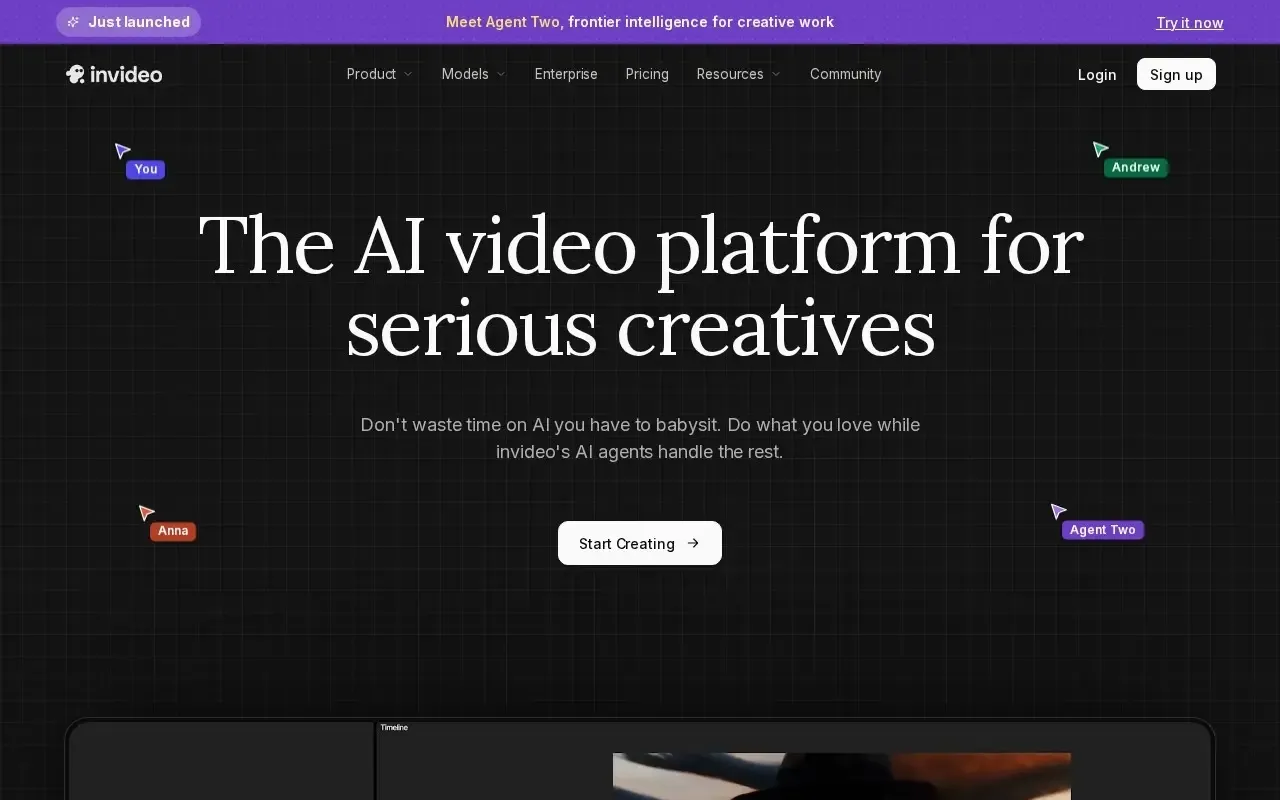
InVideo AI
Turn text prompts into full edited videos with voiceover and stock media.

Kling AI
High-quality AI video generation from text or a single image.

Luma Dream Machine
Generate short, high-motion video clips from text prompts or still images.

Runway
Generative AI video and editing tools for filmmakers and creators.

OpusClip
Turn long videos into ready-to-post short clips for social automatically.

CapCut
Edit social videos fast with built-in AI features.